

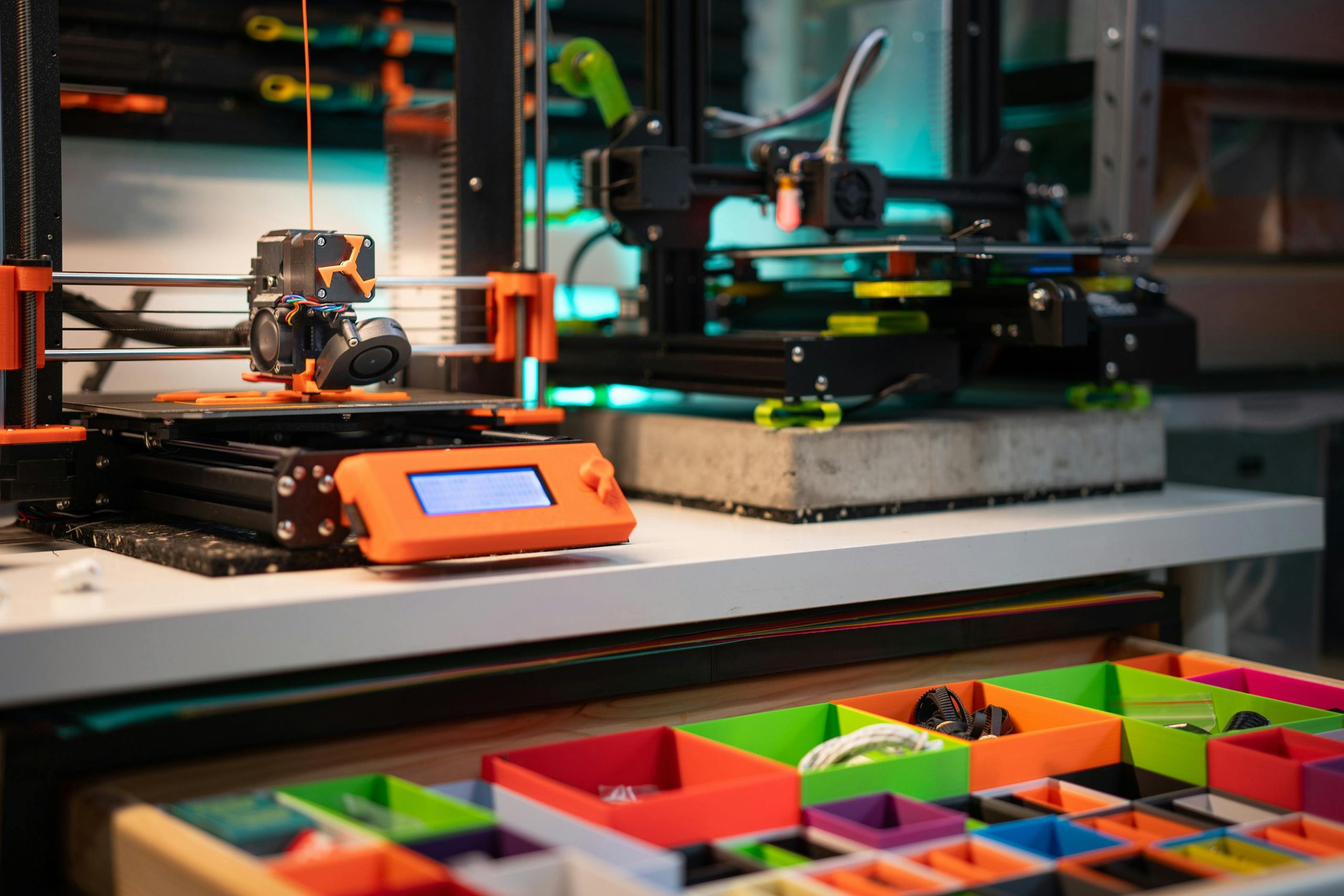
Unleash Your Creativity with 3D Printing
3D printing technology has revolutionized the way we design, create, and even think about objects. If you’re a diecast car collector or a hobbyist, you probably understand the thrill of being able to create your own 1:64 scale dioramas for your prized collection. With 3D printing and STL files, we’re not just talking about a new paint job or a custom decal; we’re talking about creating your dream car garage from scratch. So buckle up, as we embark on this exciting journey of turning digital STLs into tangible 3D-printed dioramas for 1:64 cars.
Creating Your Dream Garage: The Magic of 3D Printing
3D printing is like having your mini manufacturing unit. It allows you to transform a digital 3D model into a physical object. In the world of 1:64 cars, this equates to the ability to design and create your dream car garage, complete with all the intricate details.
How does it work? It all starts with an STL file – a type of digital file that contains data about the surface geometry of a 3D object. Think of it as the blueprint for your 3D printer. With the right STL file, you can create anything from a simple car lift to a complex, multi-storey car garage.
The Process: Turning STLs into 3D-Printed Dioramas
Creating a 3D-printed diorama for your 1:64 cars is not as complicated as it might sound. Here is a step-by-step guide on how you can transform STLs into your dream garage:
- Design or Download Your STL Files: You can either design your own STL files using 3D modeling software or download them from online platforms. There are plenty of free and paid resources available, offering a wide range of designs.
- Prepare Your 3D Printer: Ensure your 3D printer is in good working condition. Check the filament, make sure the print bed is level, and preheat the printer according to the filament type.
- Slice the STL File: This step involves converting the STL file into a format that your 3D printer can understand. Use a slicing software to slice the file into layers, adjust the print settings, and save it as G-code.
- Print Your Diorama: Load the G-code into your 3D printer and start printing. This could take a few hours to a few days, depending on the complexity of your diorama.
- Post-Processing: Once the printing is done, remove the supports, sand the surfaces, and paint your diorama to bring it to life.
Tips for Creating Realistic 3D-Printed Dioramas
While 3D printing has made it easier to create custom dioramas, achieving a realistic look requires a bit more effort. Here are a few tips to help you create a believable 1:64 scale environment for your cars:
- Pay Attention to Details: Including small details like tools, workbenches, and car parts can make your diorama look more realistic.
- Use the Right Materials: Different parts of your diorama may require different materials. For example, you could use transparent filament for windows and metallic filament for car lifts.
- Paint and Weathering: A good paint job can bring your diorama to life. Consider using weathering techniques to give your garage a lived-in look.
Embrace the Power of 3D Printing
The potential of 3D printing technology in the world of 1:64 cars is limitless. With the ability to turn STLs into 3D-printed dioramas, you are no longer confined to off-the-shelf accessories. Instead, you have the power to create your dream car garage with a level of detail and customization that was previously unimaginable. So what are you waiting for? Start exploring the world of 3D printing and create your dream 1:64 car garage today!

